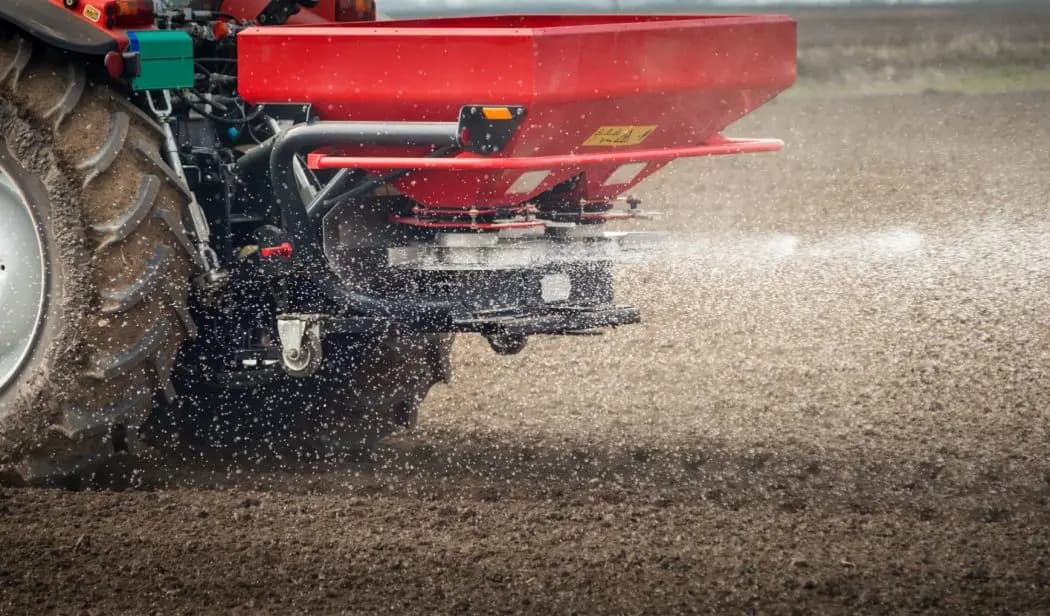
Broadcast fertilizing
Apply the right amount without doubling up where it is not needed.
Fertilizing, spraying and liming guided by a line on the phone screen. No overlap, no skips and no input wasted.
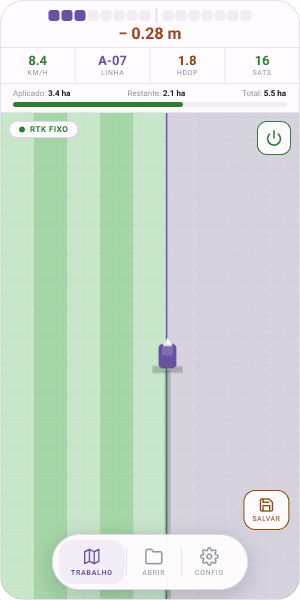
Avoid spreading fertilizer, seed or chemicals twice over the same strip.
Covered ground stays marked on screen. You see what is missing right away.
Follow the same line at night and make more of the day.
No expensive monitor or complicated installation in the tractor.
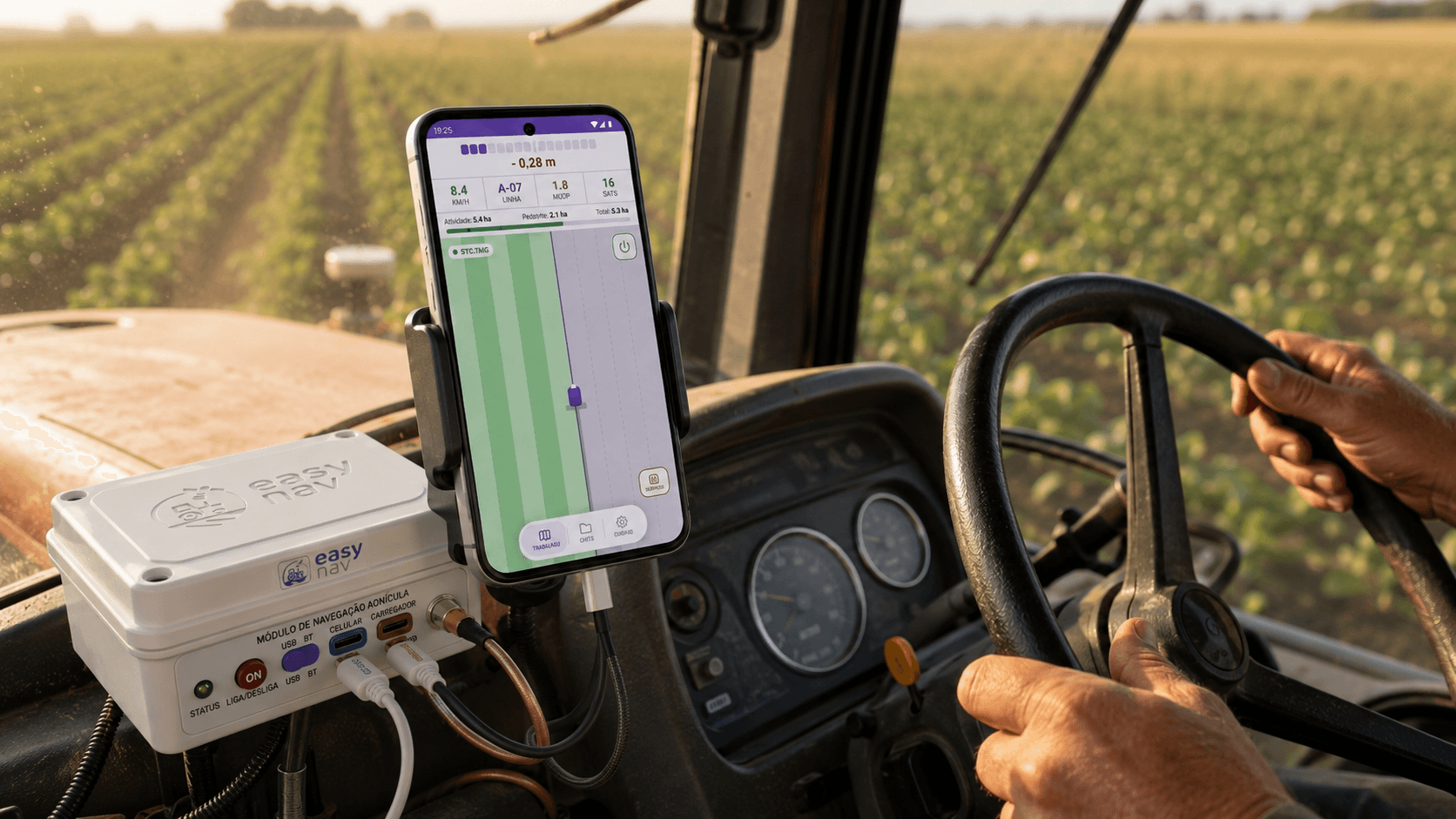
Open the app, set the pass and follow the line. No expensive monitor, no complicated operation.
Tap where the first pass starts and drive straight.
The guide line stays ahead of you on screen.
Every pass ends green. No skip, no doubt.
The math is simple
One line on the screen solves all three. Just follow it.
For fertilizing, spraying and soil correction, clean swath guidance quickly saves serious input.
Apply the right amount without doubling up where it is not needed.
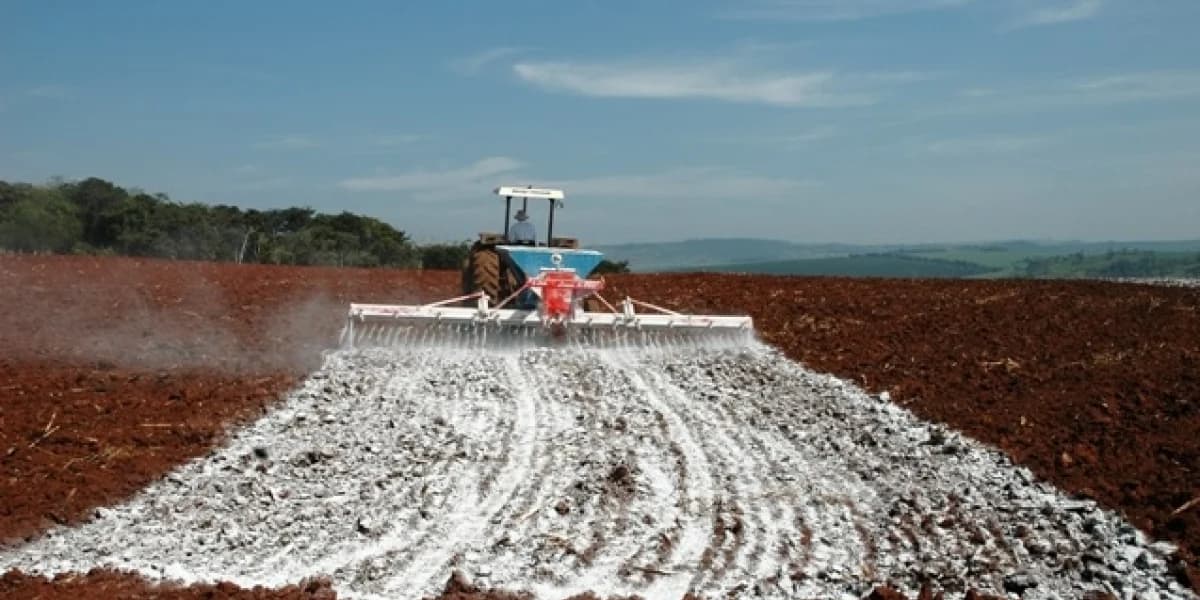
Cover the whole field evenly without overlapping swaths.
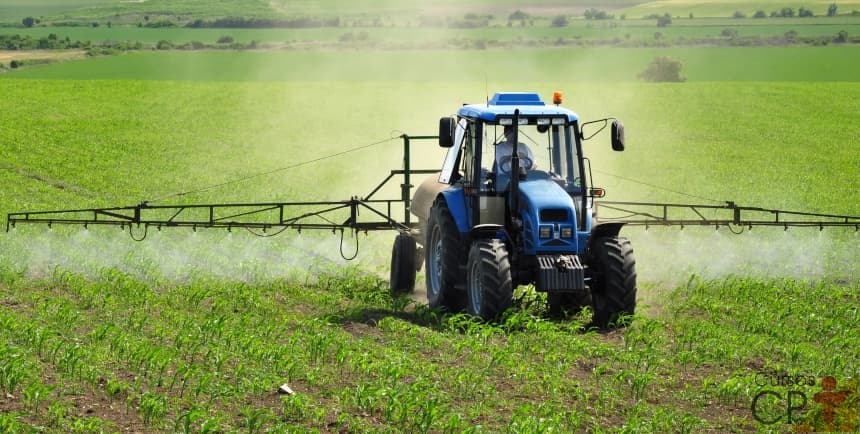
Spray without repeating passes or leaving pests a gap.
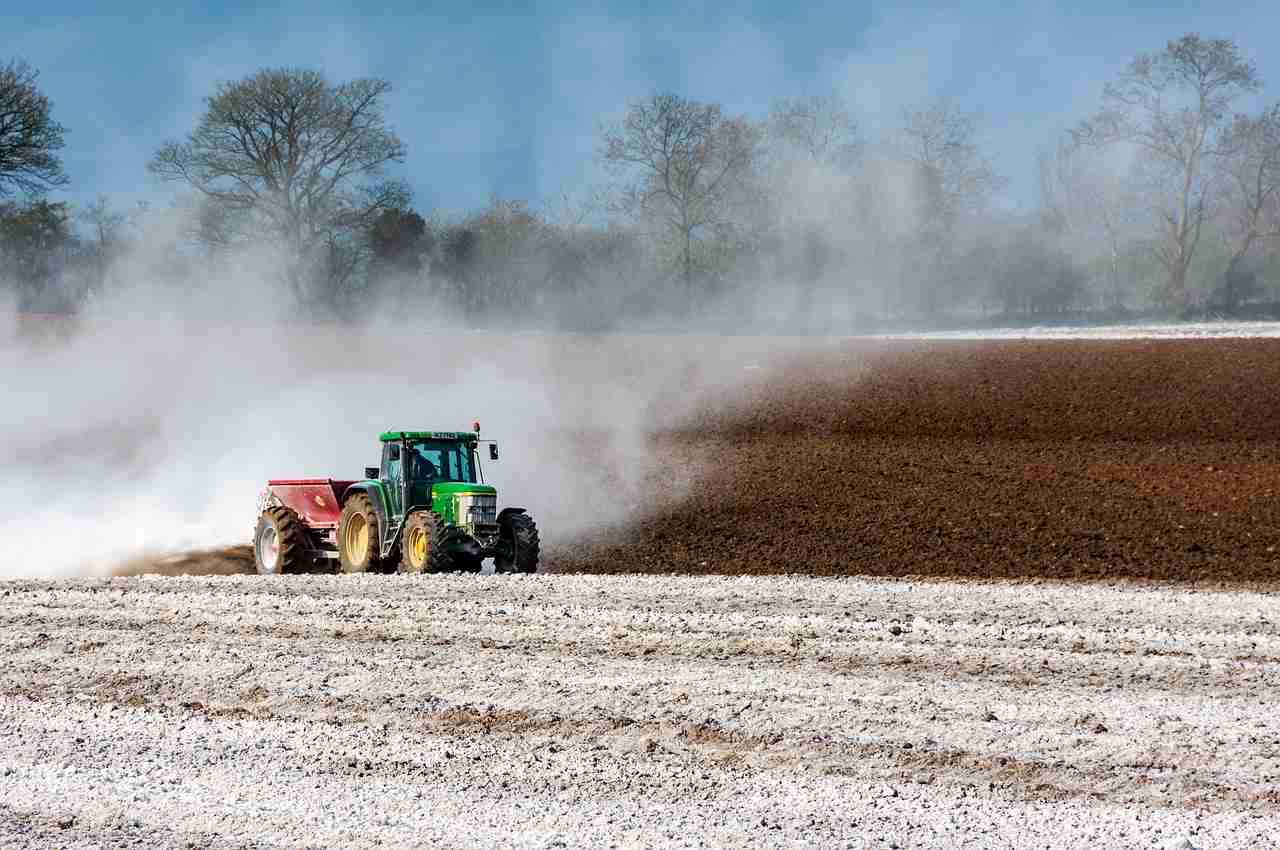
Correct soil evenly, without excess or missing spots.
When spreading without guidance, it is impossible to see exactly where you have already passed. You double up one strip and leave another uncovered. One burns inputs, the other costs yield.
Crooked passes, overlaps and gaps. Inputs wasted and uneven crop response.
Straight, adjacent swaths with no excess. Every kilo lands where it should, once.
You pay for the same input twice. Every repeated strip is fertilizer, lime or spray applied where it was already enough.
Yield loss hides quietly. The area without product performs worse, usually noticed only at harvest.
Without knowing where you passed, you repeat strips, stop to check and burn diesel without progress.
Move the controls to see the size of the waste and the return.
Estimate for broadcast application without guidance, assuming EasyNav removes most overlap. Adjust the values to your own operation.
No course, no thick manual. In minutes you are already working.
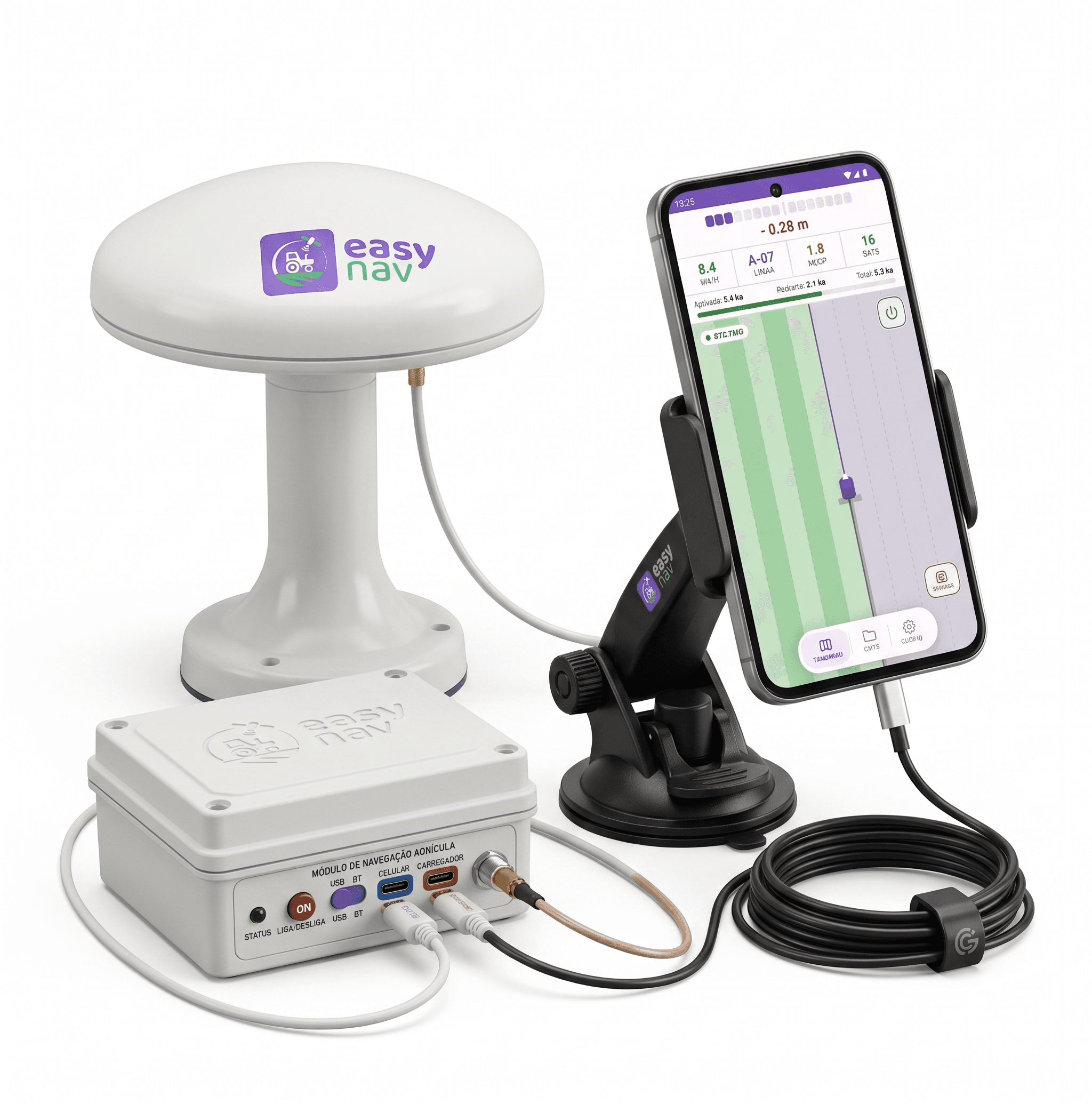
Connect the device to the tractor battery. The green light turns on and it is ready.
Plug the phone cable into the module, open the app and it is ready to guide.
Mark the start of the swath, drive to the end and follow the line on screen.
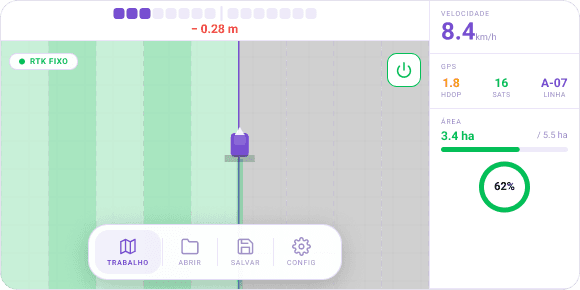
It stays straight ahead. Keep the tractor on top of it.
Worked strips appear in green so you see what is still missing.
Completed area and remaining hectares are always visible.
No technician, no scheduled visit, no expensive labor. Take it out of the box, put it in the tractor and start working.
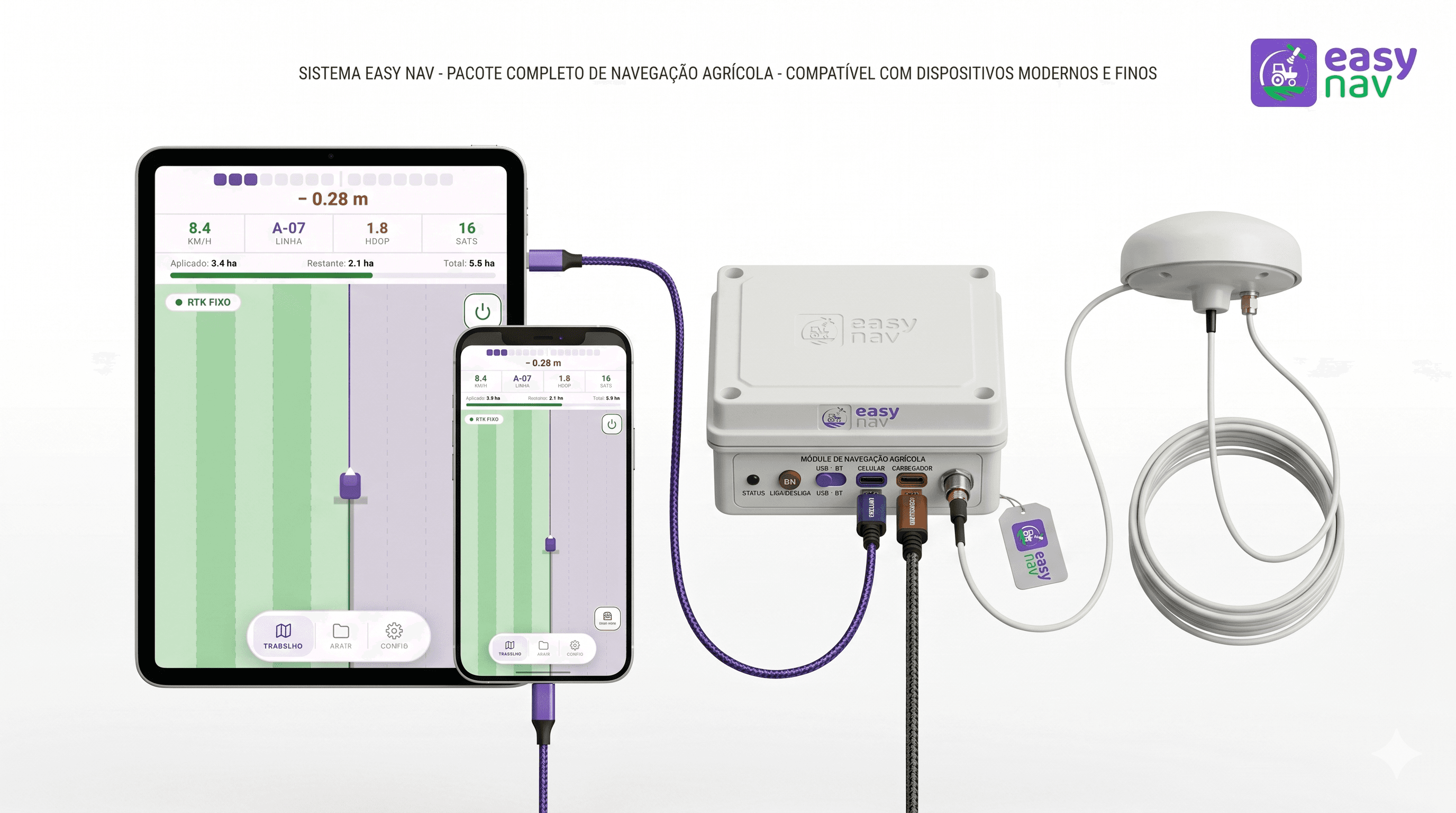
Plug the device into the tractor battery. The green light turns on.
On the cab roof or any fixed point with open sky.
One USB cable links the phone to the device. That is it.
Open the app and begin the job. Nothing else required.
Leave your contact and we will show how EasyNav saves inputs and covers more hectares per day in your tractor.
We show it working your way, in your reality.
Pricing, installation, crops: we answer it all.
Seeing it is free. You decide later, calmly.
137 growers have asked to learn more
We will message you on WhatsApp to show EasyNav running in your tractor.